
In a world where unwanted calls and pesky texts seem to multiply like rabbits, knowing how to block a number on an iPhone is a must. Whether it’s that relentless telemarketer or an ex who just won’t take the hint, mastering this skill can save anyone from unnecessary interruptions.
Imagine a life free from the constant buzz of unwanted notifications. With just a few taps, they can reclaim their peace and quiet. Blocking a number isn’t just a feature; it’s a superpower in the palm of their hand. So, let’s dive into the simple steps that’ll help turn that phone into a fortress of tranquility.
Understanding the Need to Block Numbers
Blocking numbers on iPhones addresses common frustrations with unwanted communication. Persistent calls from telemarketers or unwanted texts can disrupt daily life. Many people seek to eliminate these distractions effectively. Reducing interruptions contributes to a more peaceful phone experience.
Users encounter various reasons for blocking numbers. For instance, some might deal with harassment or nuisance calls. Others may wish to stop receiving spam messages that clutter their inboxes. Most importantly, blocking numbers enhances personal security and privacy.
Addressing unwanted communication not only saves time but also protects mental well-being. Eliminating annoying distractions can lead to increased productivity. Furthermore, this act allows individuals to prioritize important connections in their lives. Feeling in control over who can reach them fosters a greater sense of security.
Implementing measures to block numbers provides immediate relief. Many find empowerment in taking action against unwanted communication. Properly managing contacts leads to a more enjoyable phone experience. Understanding the need to block numbers becomes essential in today’s connected world.
Step-by-Step Guide to Blocking a Number
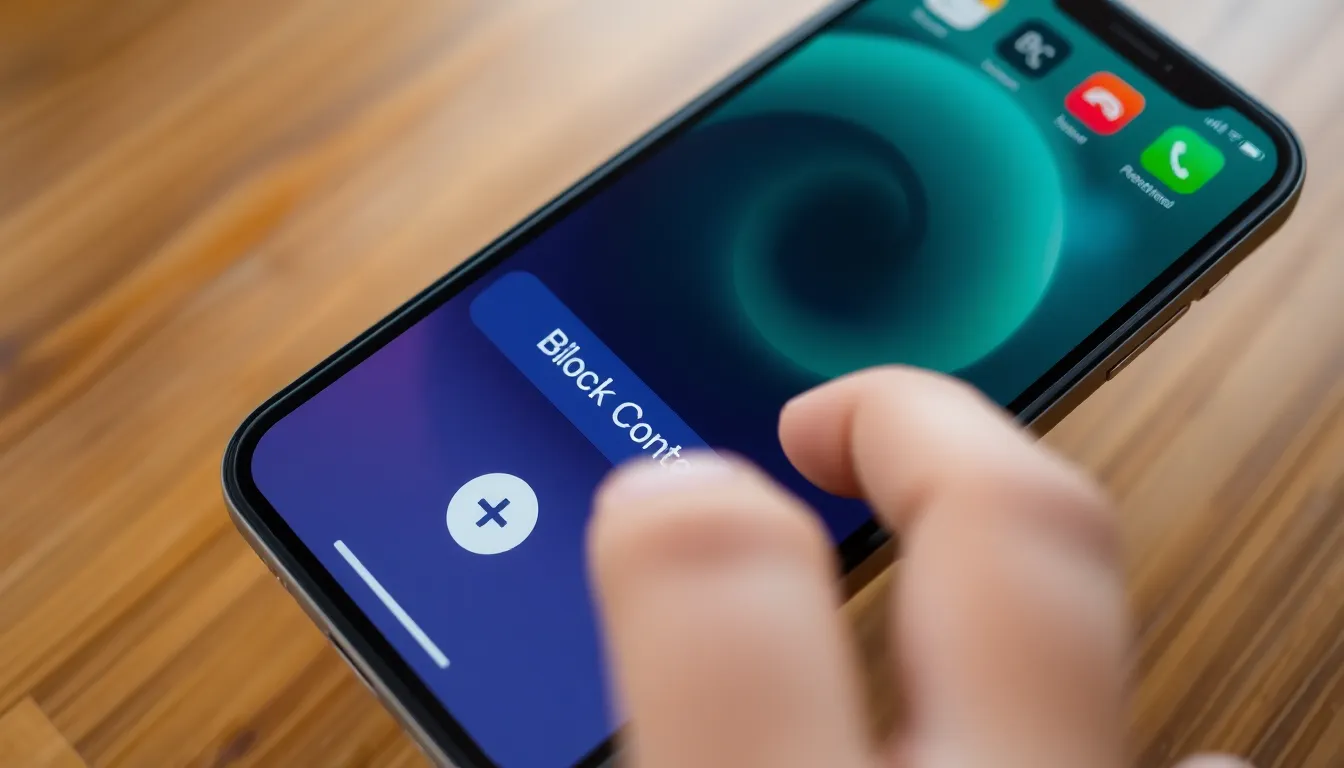
Blocking unwanted numbers on an iPhone is straightforward. Follow these simple steps to regain control over your communications.
Using the Phone App
Open the Phone app and navigate to the Recents tab. Locate the number you want to block. Tap the “i” icon next to the number for more options. Scroll down and select “Block this Caller.” A confirmation prompt appears; choose “Block Contact” to complete the process. This action prevents future calls and messages from that specific number.
Using Settings
Access Settings from your home screen. Scroll to “Phone” and tap to open it. Find “Call Blocking & Identification” and select it. Here, tap “Block Contact.” Choose the contact from your list, then confirm the action. This method effectively blocks calls, messages, and FaceTime requests from the selected number.
Additional Methods to Block Numbers
Users can explore additional methods to block numbers on their iPhones for enhanced communication control.
Third-Party Apps
Several apps offer advanced features for blocking unwanted calls and texts. Popular choices include Truecaller and Hiya, both providing extensive databases of spam numbers. These apps also identify potential spam calls in real-time, alerting users before they answer. Installation is straightforward, requiring users to grant necessary permissions for call identification. Once set up, users can effortlessly manage blocklists, ensuring unwanted contacts no longer disrupt their peace.
Carrier Services
Carrier services provide another effective way to block numbers. Major carriers like AT&T, Verizon, and T-Mobile offer call-blocking features through their accounts. Enabling this feature often involves accessing the carrier’s website or app, where users can create blocklists or activate spam protection. Some carriers may even offer call filtering services to eliminate unwanted calls automatically. Utilizing these services can enhance user experience by minimizing distractions from unwanted communications.
Managing Blocked Numbers
Managing blocked numbers on an iPhone allows users to control their communication effectively. Accessing the blocked contacts list is simple. Users should navigate to Settings, select Phone, and tap on Call Blocking & Identification. This section displays all numbers currently blocked.
Unblocking a number also requires just a few steps. Users can find the blocked numbers list in the same Call Blocking & Identification menu. They should tap on the Edit option, select the red minus icon next to the number, and confirm the action to restore contact.
Additional options exist for managing blocked numbers. Users can tap on “Add New” in the blocked contacts list to block new numbers immediately. This feature offers quick access for users wanting to prevent specific individuals from contacting them.
Receiving messages from blocked numbers may still occur in some instances. Users should understand that blocking a number will stop phone calls and texts, but previous messages can remain in their message history.
Tracking blocked numbers can enhance one’s communication experience. Users often find it helpful to regularly review their blocked list to ensure it reflects current communication preferences. Maintaining an up-to-date blocked contacts list reduces future interruptions and enhances peace of mind.
Restoring contact numbers is easy; knowing how to navigate settings makes it efficient. Users can manage their communication preferences according to their comfort levels. By understanding these management options, users craft a more personalized phone experience.
Blocking unwanted numbers on an iPhone is a crucial skill for maintaining peace and security in today’s digital age. By taking control of communication preferences users can effectively reduce distractions and enhance their overall phone experience. Whether it’s through built-in settings or third-party apps the methods available provide flexibility and ease.
Regularly managing the blocked numbers list ensures that users stay protected from unwanted interruptions while allowing them to focus on what truly matters. Embracing these strategies not only fosters a sense of security but also empowers users to create a more tranquil environment in their daily lives.


